This blog never really had a clear direction. No fixed theme, no niche – that was partly intentional, partly laziness. I just wanted to write about whatever happened to be on my mind. The fact that I also wanted to maintain my motivation to read this way wasn't even planned at first.
The problem: As soon as everyday life interferes, there’s no time for proper articles. And so it happens that I currently take a photo after every book and upload it here. Predictable and easy to manage in terms of time.
Still, I felt like I was missing a way to share things quickly without writing a long essay. Until I recently had a thought.
The Concept: Raindrop.io as a Backend
I've been collecting bookmarks in Raindrop.io for years – with varying levels of motivation. Articles, tools, videos, repos – everything ends up there, neatly sorted into collections and labeled with tags. I noticed that Raindrop offers an indefinitely long note field for each bookmark. That’s actually all you need for a link blog: a link and a short comment in Markdown, done.
A very short research session later, I fired up VS Code and started playing around. The result is a new site – a wild mix of link log and link collection. Target audience unknown, but for now, I like it.
The result – with the temporarily uncreative name "Open Tabs" – can be found here.

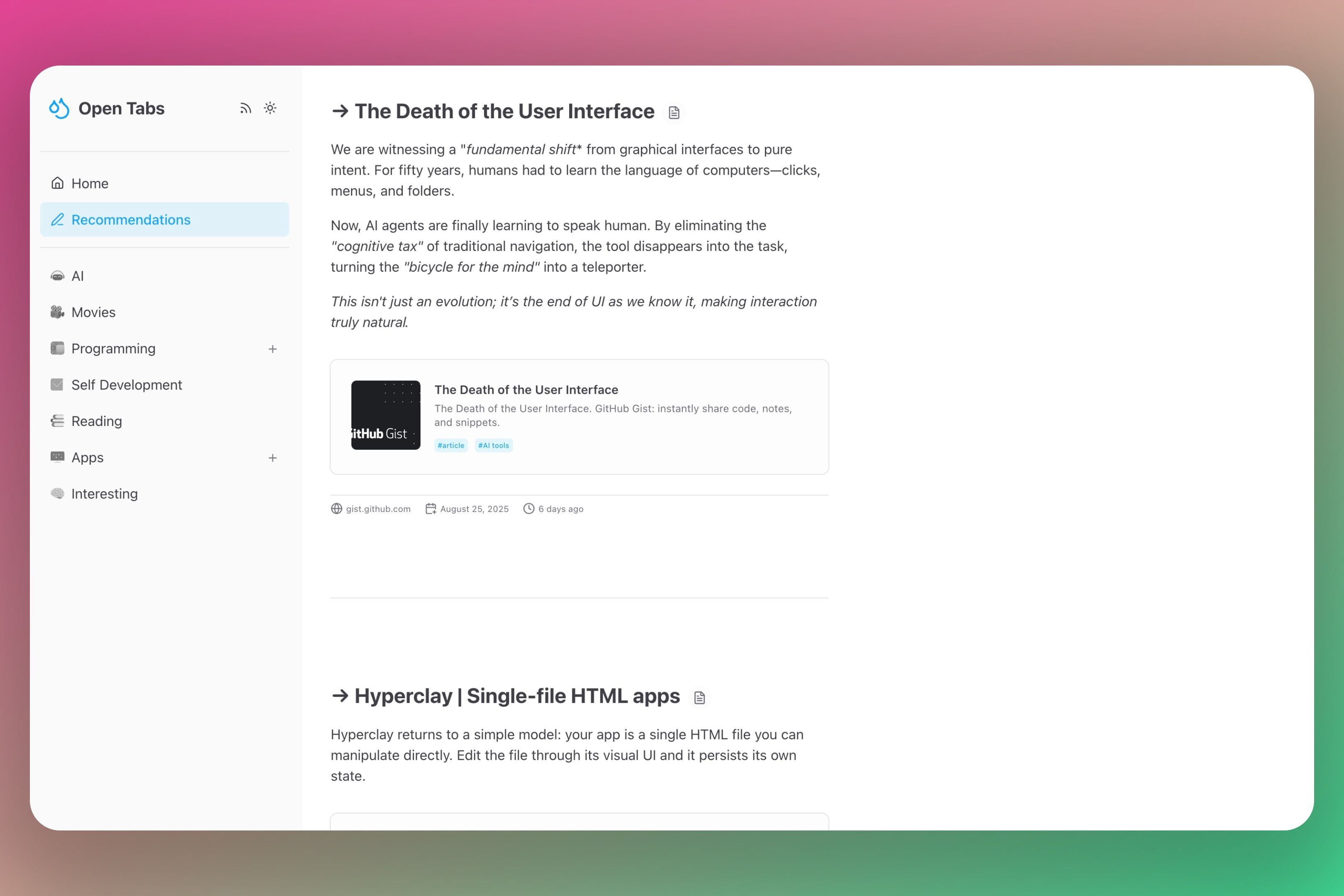
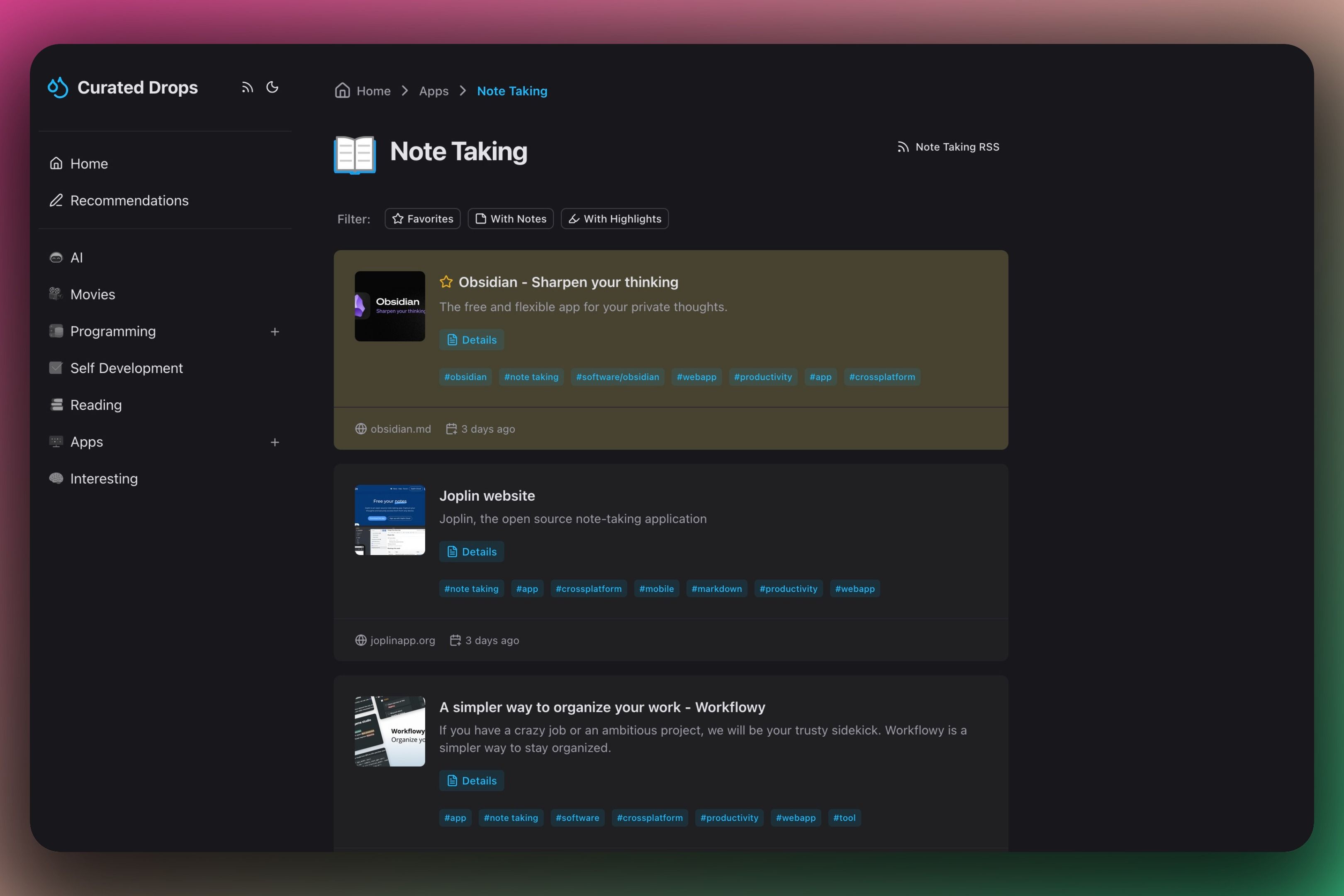
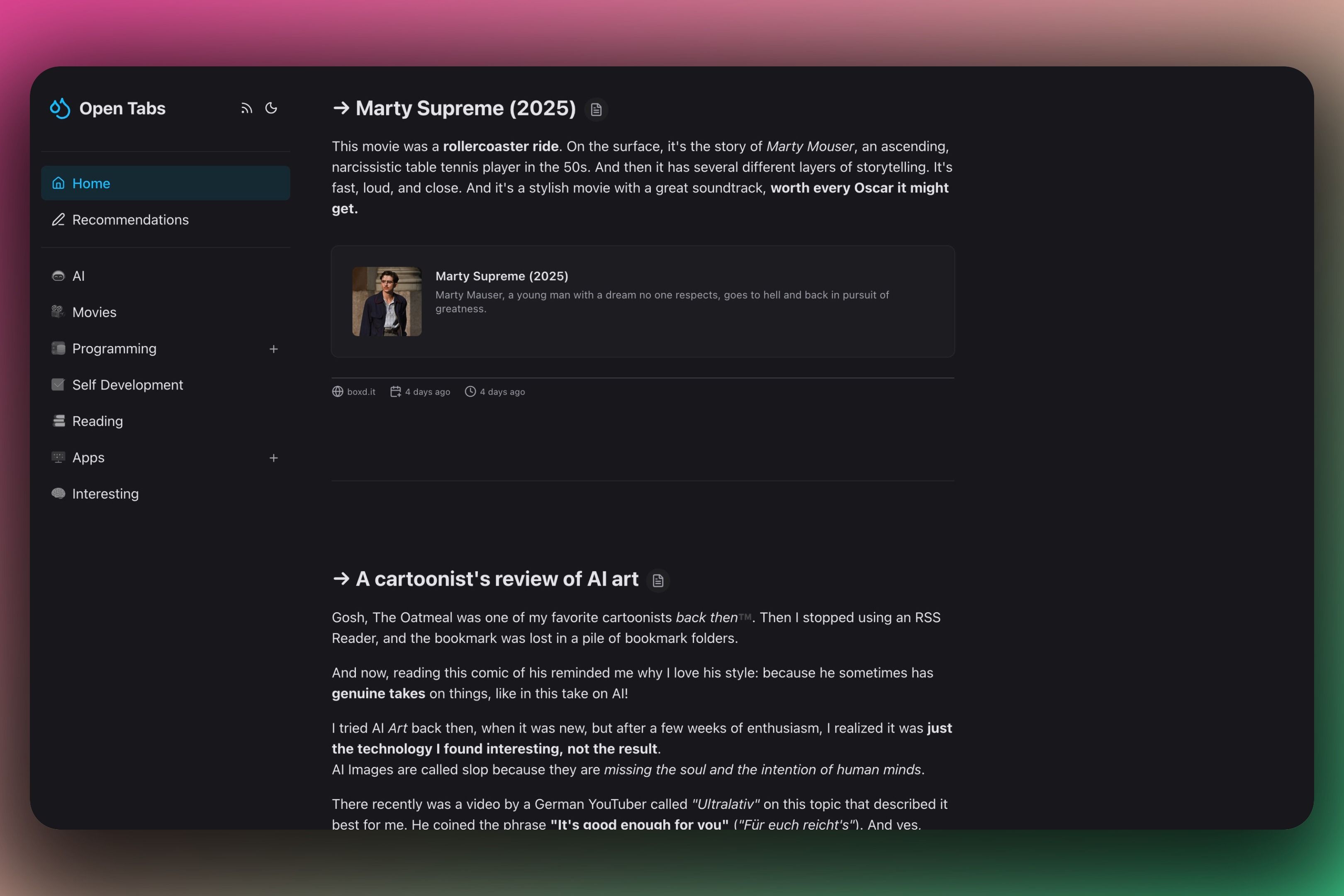
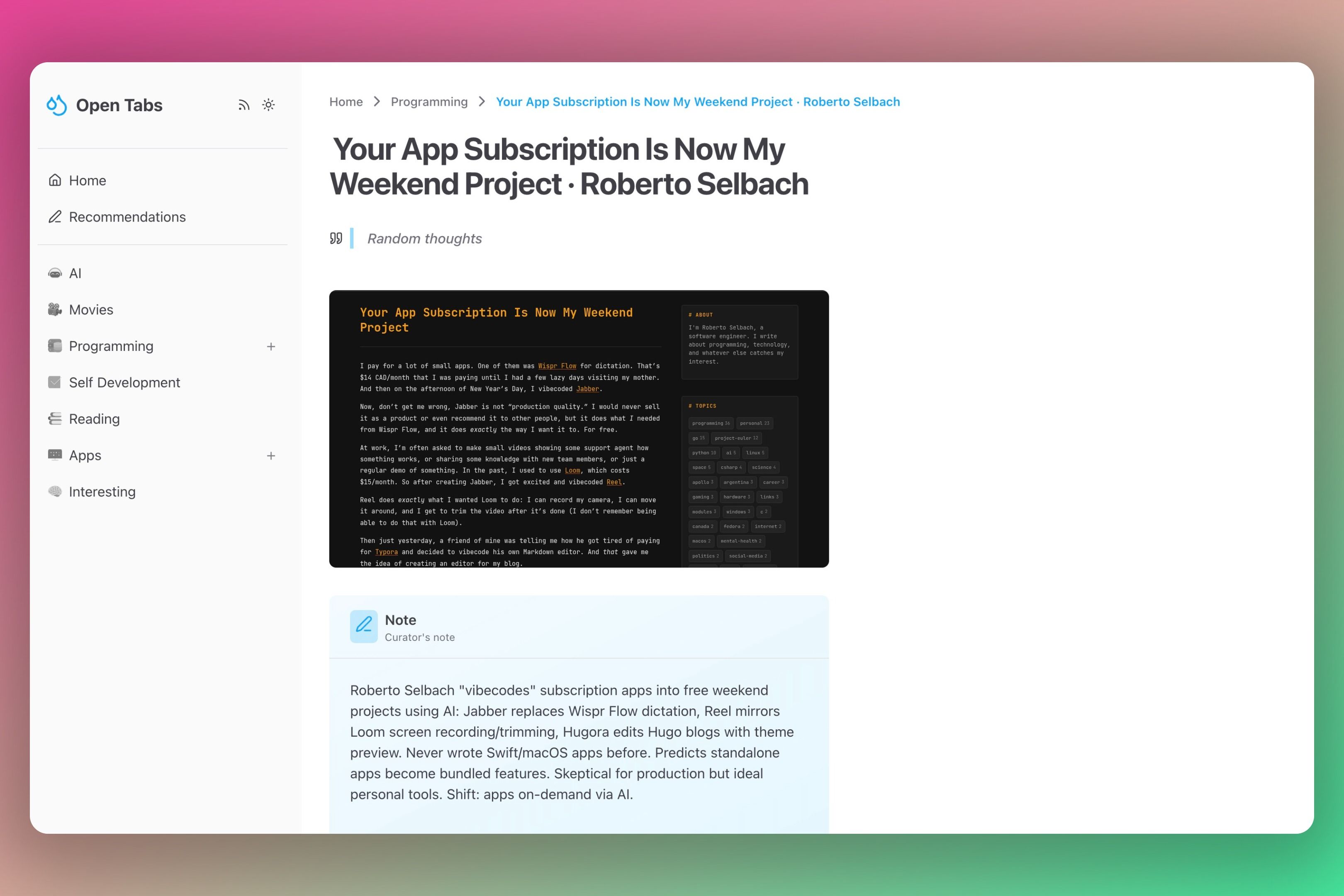
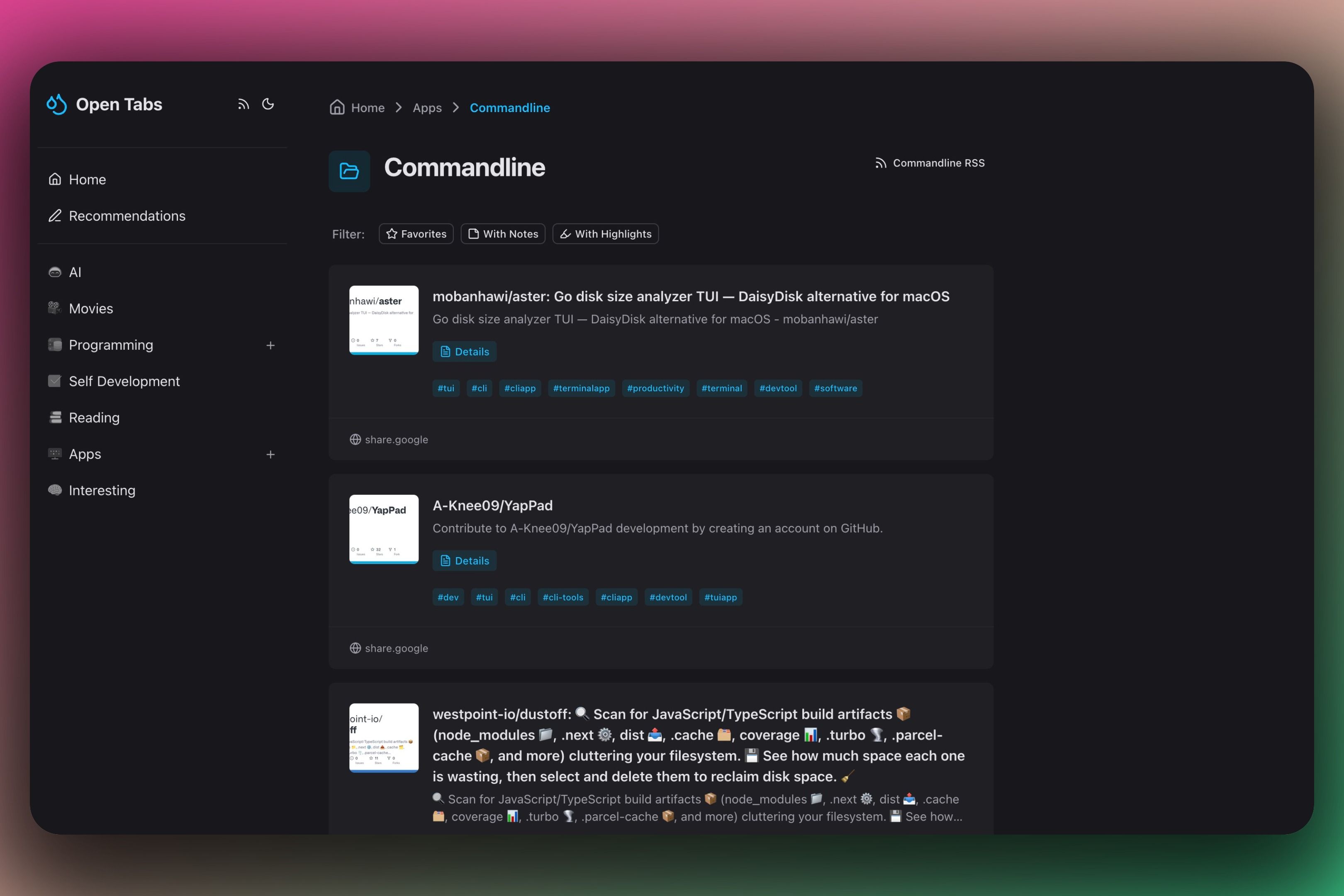
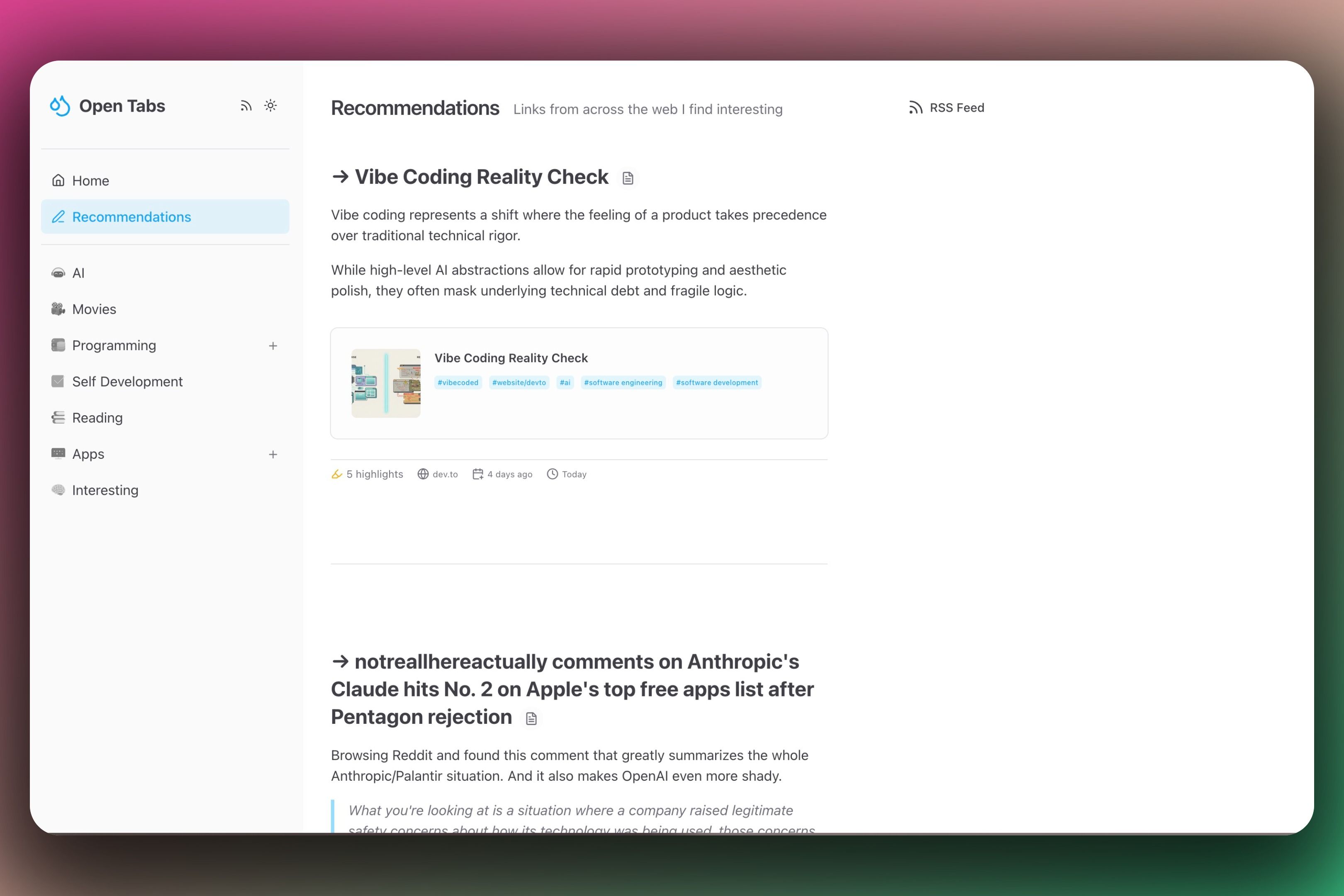
Currently, everything is obviously still in "Beta". The logo will change, and the name was only the first second-best thing I could come up with. But right now, I’m trying to ignore my inner perfectionist and I'm for now satisfied.
Control via Tags
Using Raindrop.io as a backend and database brings a few hurdles. With any standard blog software, I can precisely control how data is displayed. At first glance, Raindrop doesn't offer this flexibility – unless I use tags.
That’s why I implemented Control Tags that influence the behavior of an entry:
- Recommended: A bookmark with
curated/recommendends up in a dedicated recommendation feed – and is directly visible on the homepage or the recommendations page. - Pin Tags: A tag pins an entry to the top of the collection if I set
curated/pinned. - Highlight Tags: If I set
curated/highlight, the bookmark is visually highlighted within the collection. - ... and more.
The end user – YOU – won't see any of this logic. The control tags are simply hidden in the frontend. I thought it was clever for now. Whether it actually is, time will tell.
RSS Everywhere
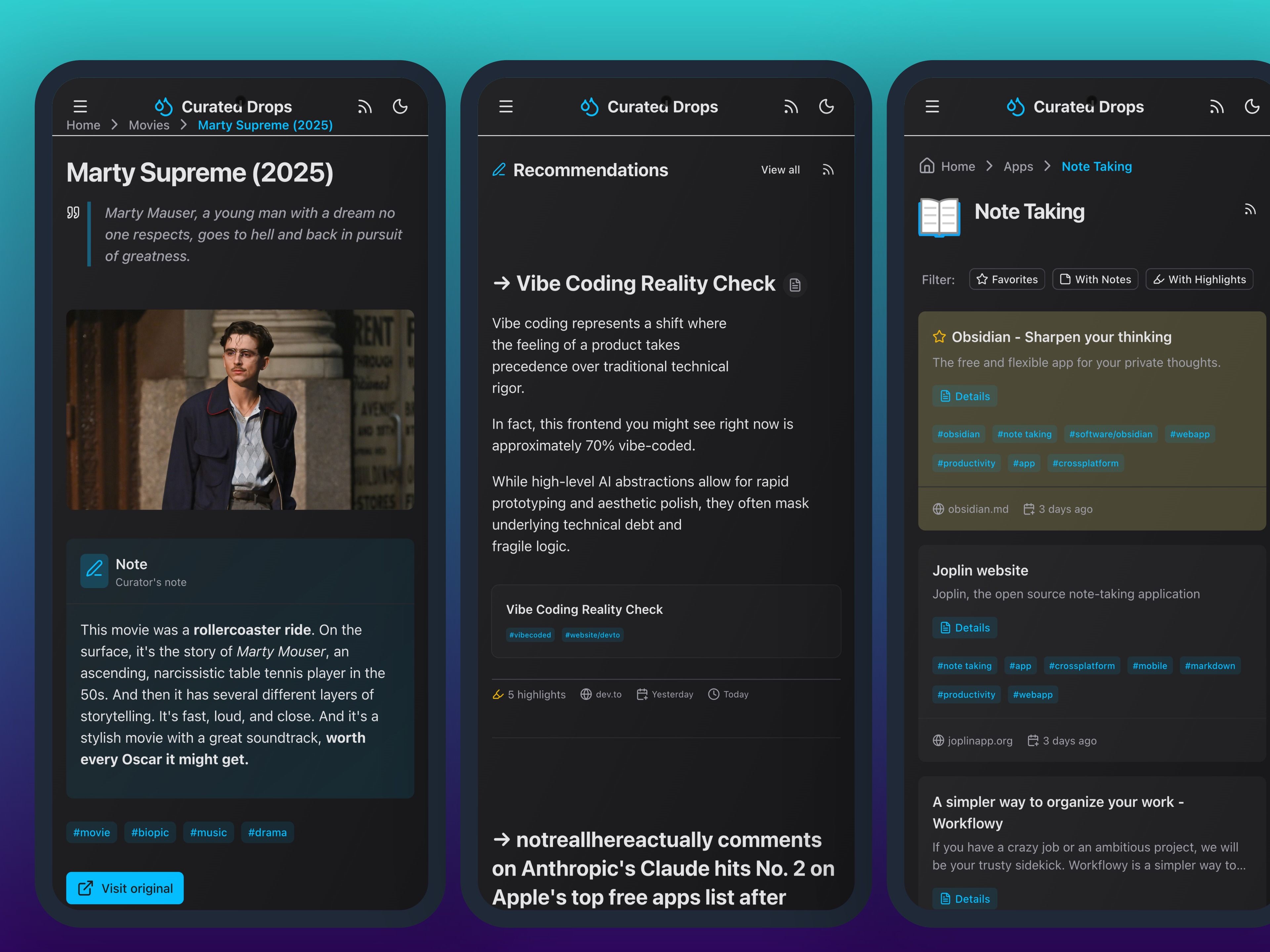
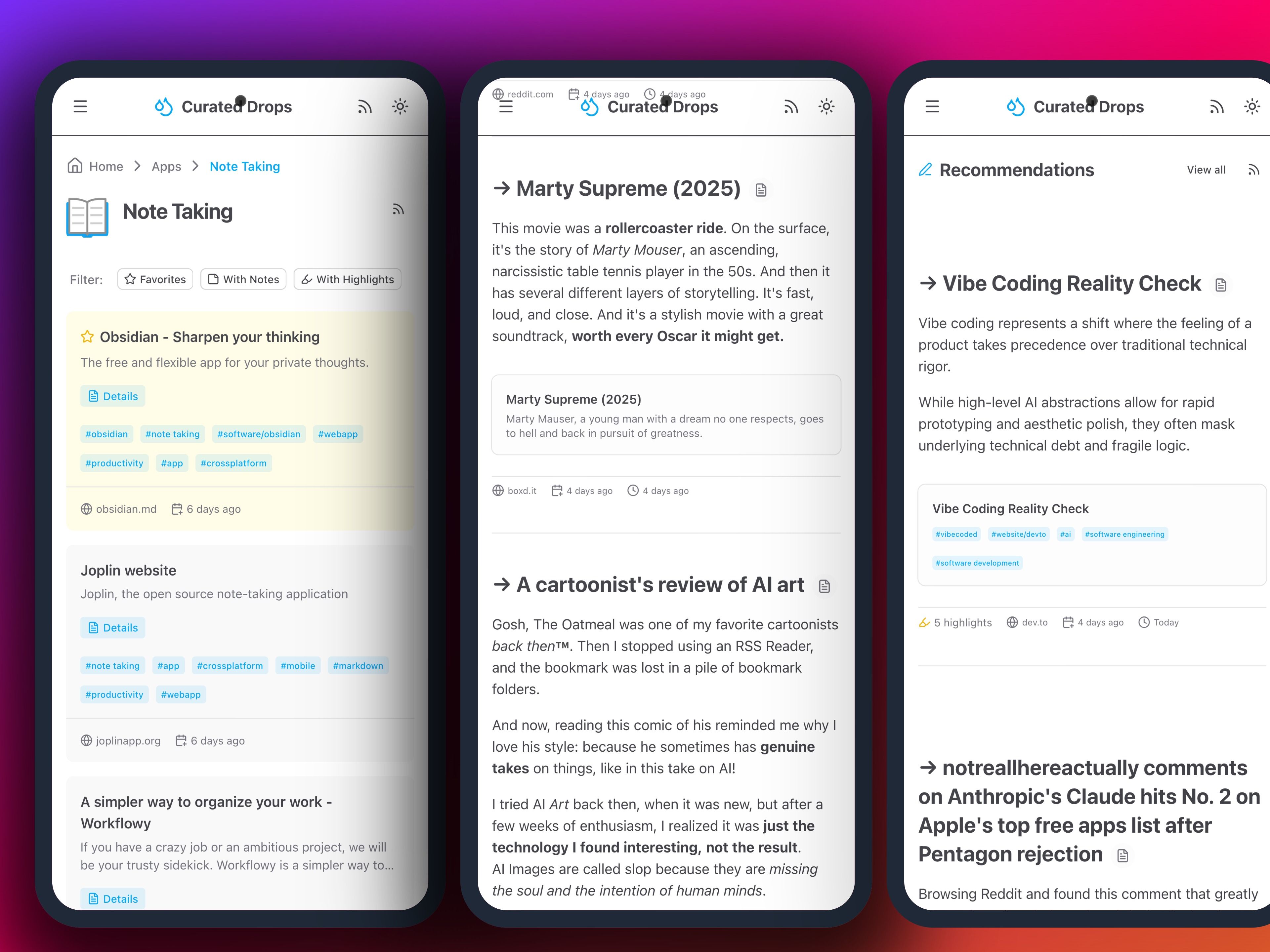
I love RSS, so there’s plenty of it here. Every collection has its own feed, e.g., my collection for Note Taking Apps. The recommendations have their own feed, and there is a global feed for everything combined. [1]
The Tech Stack
Technically, the whole thing runs on Nuxt 4 with Nuxt UI, Tailwind CSS, and Pinia. The Raindrop API is extremely pleasant to use – everything I need is there. The layout is functional, though from a UI and UX perspective, there is certainly plenty of room for improvement.
What’s Next?
Content-wise, it will probably revolve around technology, apps, books, hobbies, software, and web development – simply the things I deal with daily. But I reserve the right to sprinkle in other topics whenever something interesting crosses my path. Essentially, it’s a braindump with link lists.
And: will I write more in English in the future? Maybe. More reach, a broader audience – the arguments are obvious. But that hasn’t been decided yet. For now, this will continue in German – though with occasional English articles, like this one.